Reviews inbox — all reviews in one place
Updated on 2026-04-26
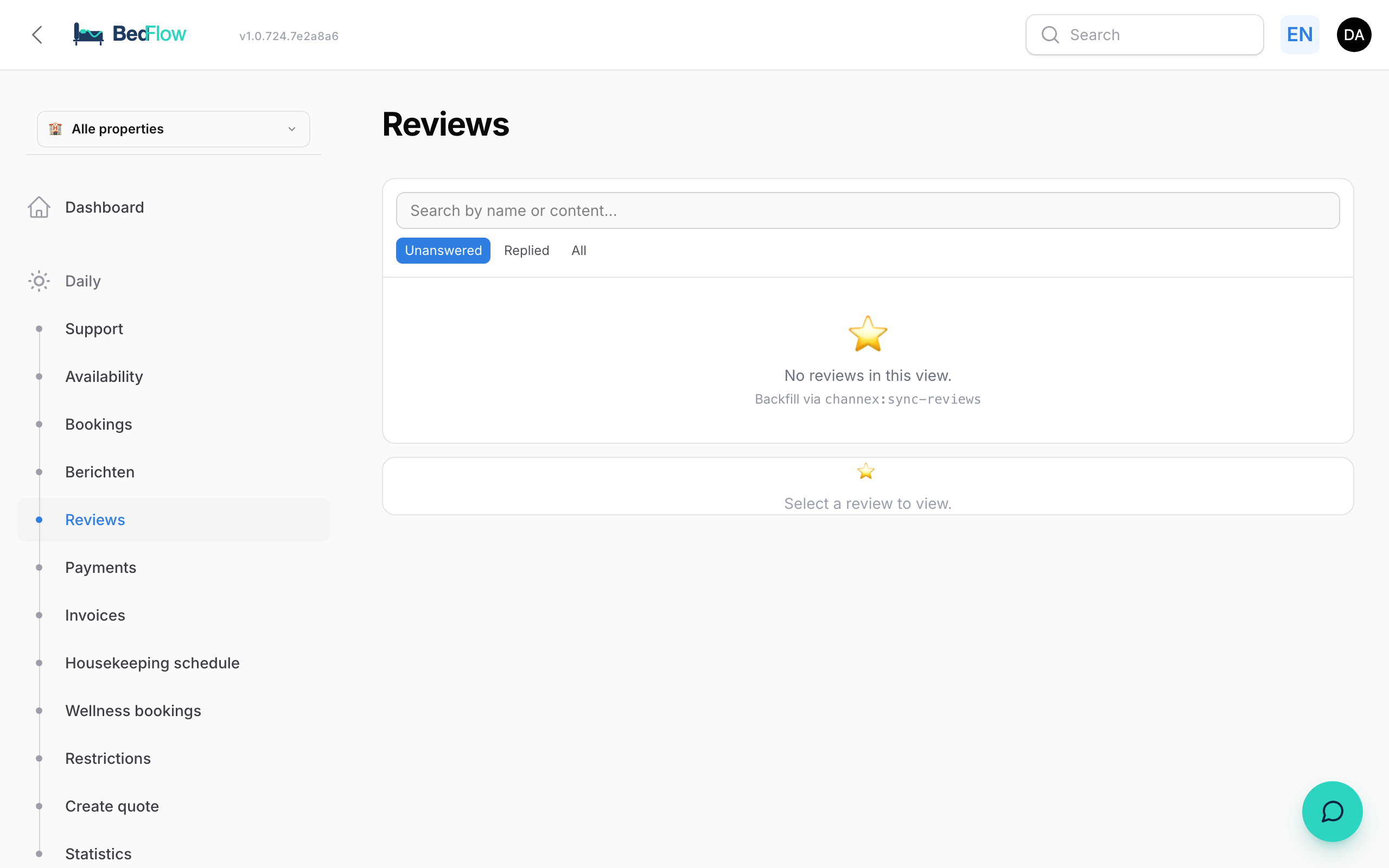
Reviews come in from all over — Google, Booking.com, Airbnb, your own inbox. Daily → Reviews inbox centralises them in one list so you do not miss anything and can respond faster.
What do you see?
Per review:
- Source (Google, Booking, Airbnb, own form)
- Date
- Score (1–5 stars or 1–10 points)
- Text with automatic language detection
- Reply status — replied / still open
Replying to a review
Some sources (Booking.com, Airbnb) let you reply directly from BedFlow via their API. For others (Google) a shortcut opens that takes you directly to the right review on their platform — you enter the reply there.
- Click a review
- Type your reply (NL by default, switch to the guest's language if you wish)
- Send — for supported sources directly via API; otherwise you are redirected
Closing without a reply
Not every review deserves a public reply — and for some it's no longer possible (every OTA has a reply window; after that the platform refuses any answer). Next to Send you'll therefore find Close without reply: the review leaves Pending and the menu counter, stays findable under All (with a Closed label) and can always be reopened. If the reply window has expired, BedFlow shows that clearly with only the close button. After closing, the screen jumps to the next pending review — clearing a backlog takes just a few clicks.
Automatic review invitation
After a check-out BedFlow can automatically send an email asking the guest to leave a review on Google. You enable this via Manage → Automated messages → trigger X days after departure + template booking-review-request.
Frequently asked questions
How often are reviews fetched? Channex delivers Booking.com and Airbnb reviews in real-time via webhook. Google reviews are polled once per hour.
My review is not there — what now? Check Settings → Integrations to see whether the right source is active. For Google the Google Reviews URL is a required setting.
Can I filter by score? Yes — at the top of the list there are filters for source, score (low, high) and reply status.
Related
- Statistics — see average score over time
- Email automations — automatically ask for a review after the stay