Vouchers — selling and redeeming
Updated on 2026-08-08
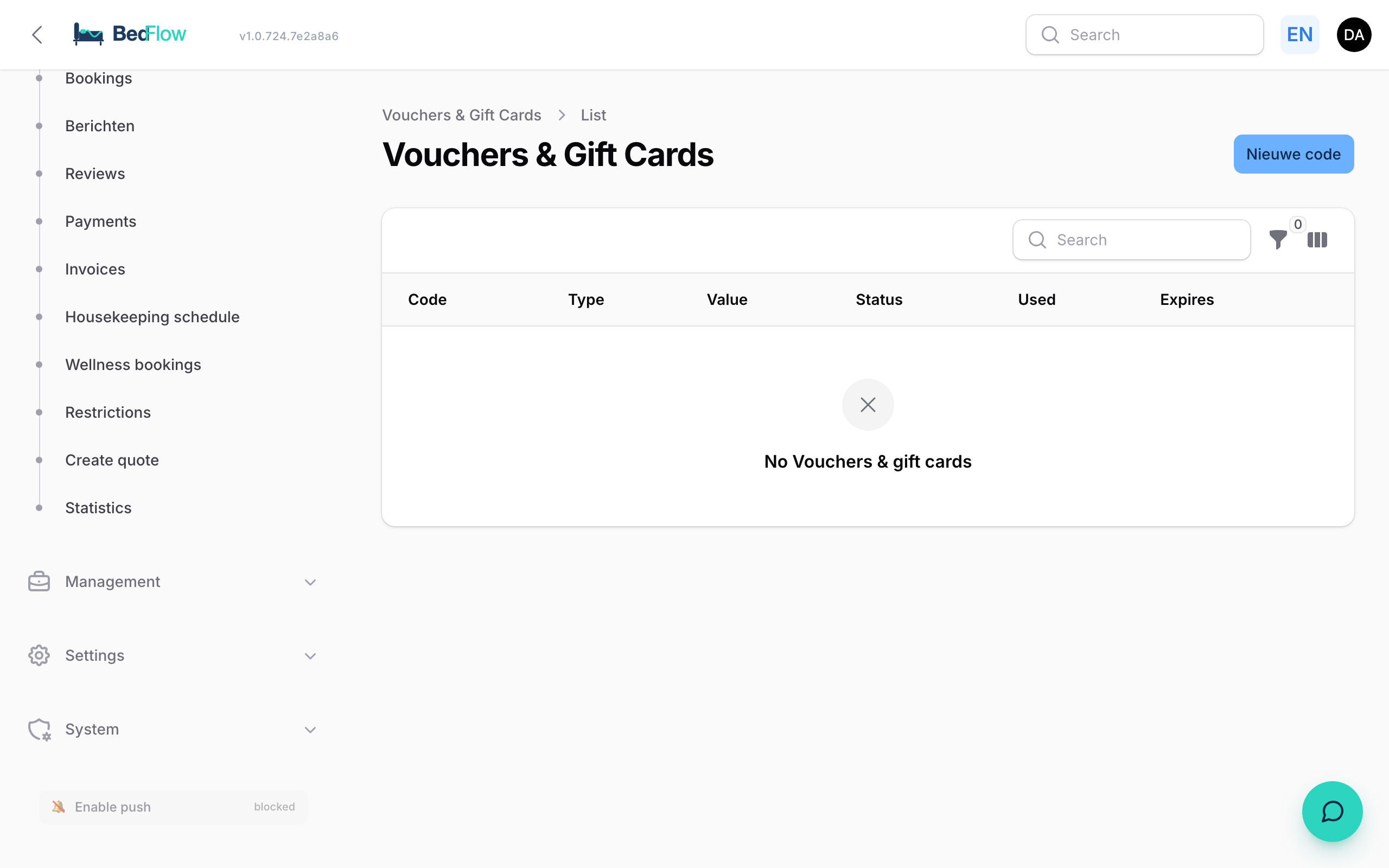
In Manage → Vouchers you manage your gift vouchers — both the sold ones (prepaid balance codes) and the used ones (partially or fully redeemed in a booking).
Where do I find the vouchers?
In the sidebar under Manage → Vouchers. You get a list of all vouchers, their code, original value, remaining balance, expiry date and status (valid / used / expired).
Creating a voucher manually
In addition to vouchers that guests buy through your website, you can create one yourself — e.g. as a gift to a loyal guest or as compensation for a complaint.
- Go to Manage → Vouchers
- Click New voucher
- Fill in:
- Code — leave blank to generate automatically (e.g.
GIFT-A4F2K9), or enter a memorable code yourself - Value — in euro, incl. VAT
- Expiry date — usually +1 year or +2 years (legal minimum in BE = 1 year)
- Notes — internal note, e.g. "Compensation booking #1234" or "Christmas gift Jansen"
- Send by email — optional: enter an email address, BedFlow sends a PDF + code directly to the recipient
- Code — leave blank to generate automatically (e.g.
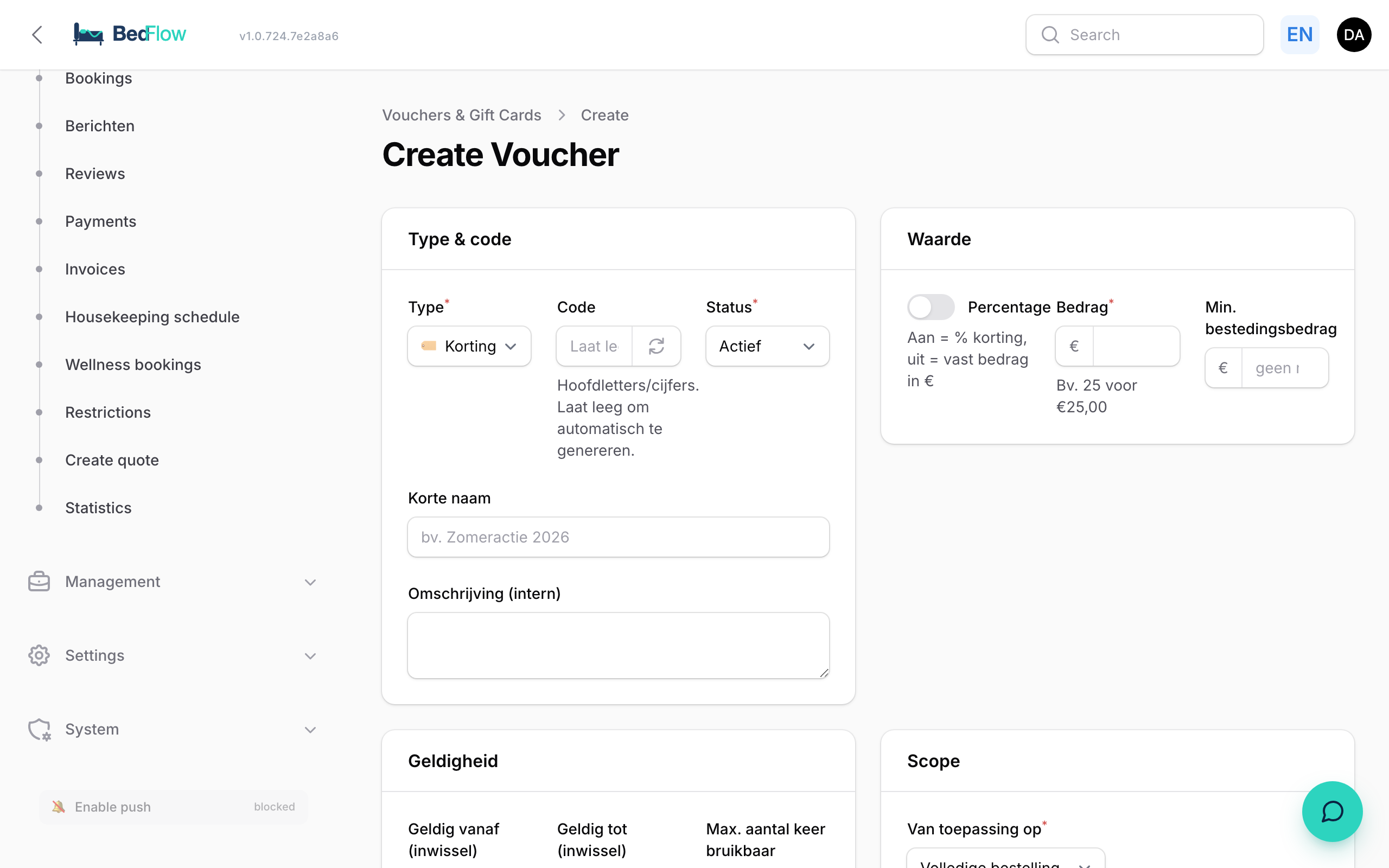
- Click Create — the voucher gets a unique 8-character code and is valid immediately.
How does a guest redeem a voucher?
In the booking widget (public) there is a field at the bottom "Do you have a gift voucher?". The guest types the code, BedFlow validates it (exists? valid? sufficient balance?) and deducts the amount directly from the total to pay. Any remaining balance stays on the voucher and can be reused later.
Setting it up yourself
Under Connections → Guest experience → Gift vouchers you shape it to your own business:
- On or off. Switched off, the sales page returns a 404 — even for someone who knows the link.
- Types of voucher. Three by default: wellness, overnight stay and free to spend. You can add, remove or rename them. Per type you choose what it applies to (everything, stays, wellness or extras), which amounts you suggest, and the minimum.
- Bounds and validity. A lowest and highest amount for the whole shop, and how long a voucher stays valid.
Remove every type and BedFlow puts the default set back — otherwise you would have a sales page without a single button.
On your own website
That same screen holds an embed code: an <iframe> you paste into any page. It works on a site that does not run with us either, because the sale and the payment happen entirely on our side. No JavaScript of ours ends up on your page.
Using our mini-site? Then there is nothing to do: the moment gift vouchers are on, the section appears by itself, with a link in the top menu.
Set the language with lang=nl in the URL — or en, fr, de.
Frequently asked questions
Can a guest pay with several vouchers at once? Yes. Codes are deducted cumulatively. If the vouchers together exceed the booking value, the surplus stays on the last voucher used.
What if the voucher expires before it has been used? The voucher remains visible in BedFlow with status expired. You can manually extend the expiry date (click on the voucher → Extend → choose a new date).
How do I book vouchers in Yuki? A sold voucher is recorded as revenue on the dedicated ledger account Vouchers (a liability on sale, revenue only on redemption). The Yuki integration books this automatically.
Related
- Automating Stripe payments — how vouchers work alongside Stripe
- Email automations — which template a voucher purchase triggers