Automatic payment confirmation
Updated on 2026-08-17
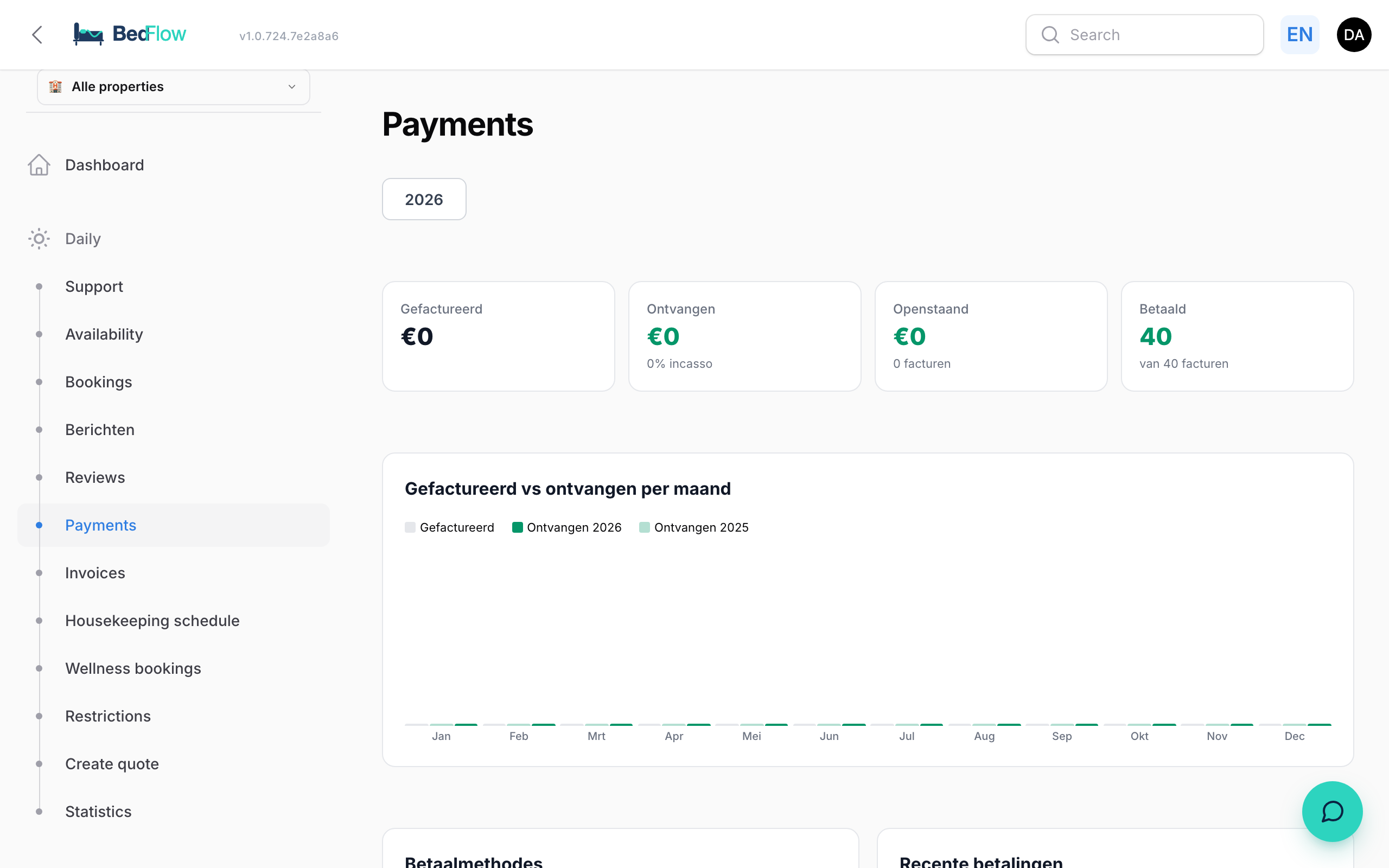
As soon as a guest pays their deposit or full amount via Stripe or Bancontact, the entire flow is kicked off automatically. You can see everything coming in in real-time on the Payments page.
What happens when a payment comes in?
- Stripe or Bancontact report the payment automatically and immediately to BedFlow
- BedFlow updates the invoice:
- The paid amount and the outstanding balance are recalculated
- The invoice status jumps to partially paid (deposit) or paid (in full)
- The payment itself appears as a separate line in the invoice's payment history
- The booking moves from pending to confirmed, with the deposit marked as paid
- An email is sent to the guest — which email depends on the situation:
- First payment (deposit or full in one go) → "Payment received" (template
booking-confirmed) - Remainder after an earlier deposit → "Fully paid" (template
booking-fully-paid)
- First payment (deposit or full in one go) → "Payment received" (template
- A Telegram notification is sent to your phone:
- 💳 "Payment received" (on deposit) or ✅ "Fully paid"
- With guest name, amount, remaining balance, arrival date, reference
- WhatsApp to the guest (only on the first payment — for the final payment the email is enough)
- The guest portal URL is generated and stored on the booking — the guest can open their portal from the email
Example flow: Jan Jansen books 3 nights
| Moment | What Jan sees | What you see | |---|---|---| | Books via widget | "Thanks — check your inbox for the payment link" | Telegram 🎫 "New booking" | | Opens email, clicks Stripe | Stripe checkout, pays €96 deposit | — | | Stripe webhook | "Payment received — €231 remaining on arrival" | Telegram 💳 "€96 received from Jan" | | 2 days later pays the rest | "Fully paid! See you soon." | Telegram ✅ "Fully paid by Jan" |