Schedule — who cleans when?
Updated on 2026-04-26
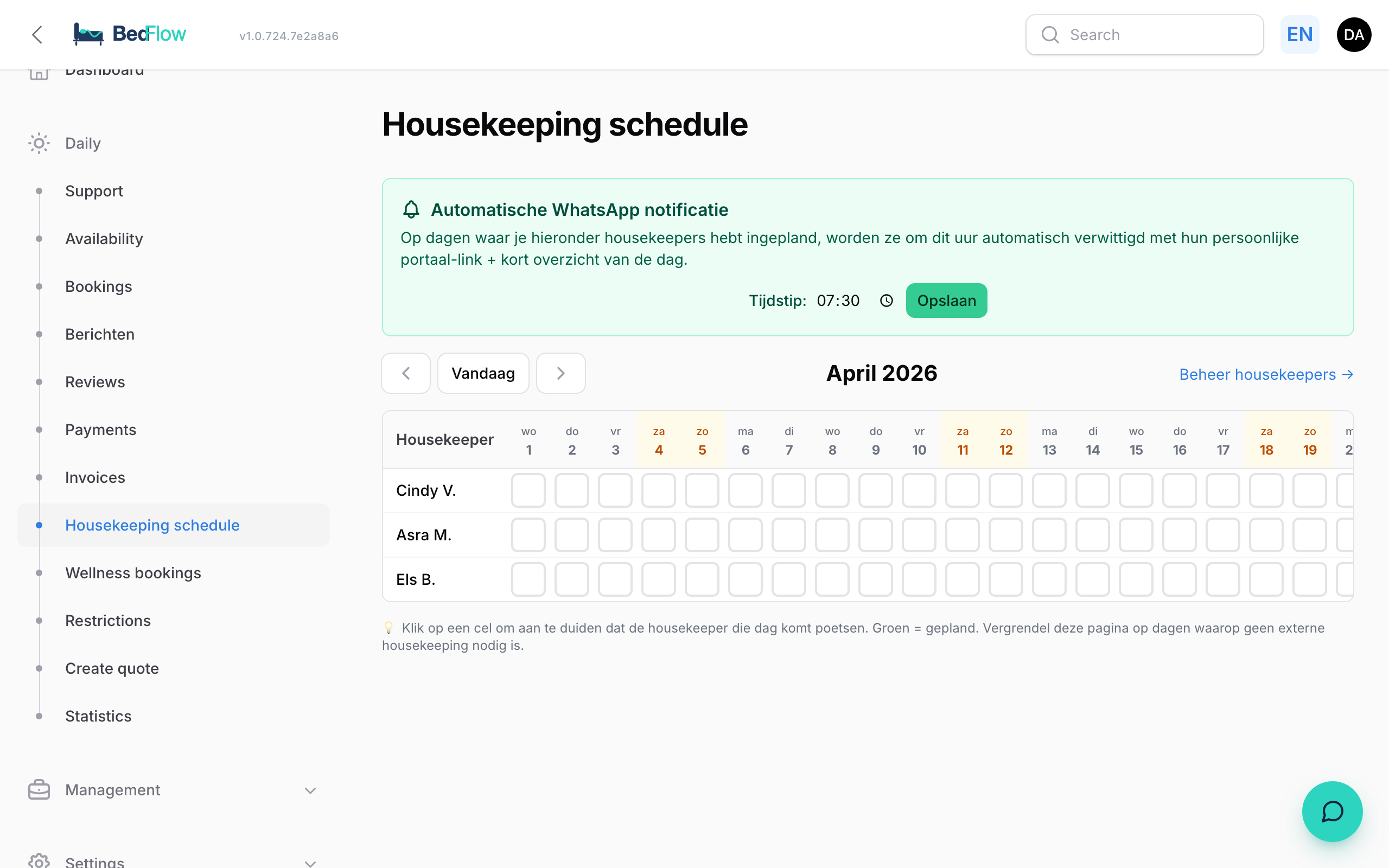
In Daily → Housekeeping schedule you see per day which housekeepers are scheduled, and you can adjust the schedule by simply clicking on a cell.
What does it look like?
A table of dates × housekeepers. In each cell you can tick/untick who works that day. Days with check-outs or check-ins are flagged so you can see at a glance where you need help.
Adding a workday
- Open Daily → Housekeeping schedule
- Click the cell under the right date, in the row of the right person
- The cell turns green → the workday is saved
- Optionally: type a note (e.g. "deep clean", "Cindy alone")
How is this passed on to the housekeepers?
Every morning at 07:30 (configurable via Settings → General settings) every scheduled housekeeper receives a WhatsApp message via the configured WhatsApp provider (TextMeFlow free on Starter+, or TextMeBot) with:
- Which rooms have a check-out today (to clean)
- Which rooms have a check-in today (check / last-minute)
- Special notes (allergies, late arrival, …)
- A magic link to the housekeeping portal
In that portal they can tick off which rooms are ready — you see that live in your dashboard.
Frequently asked questions
How do I see missed notifications? Check Manage → Communication log. All outgoing WhatsApp and email messages to housekeepers are listed there.
Can I put someone on holiday? Yes — in Settings → Housekeepers uncheck the Active toggle for that person. They remain in the system (for historical reporting) but no longer appear in the schedule.
What if the housekeeping toggle is disabled? Then you do not see this page in the sidebar. Activate it via Settings → Integrations → Housekeeping module.
Related
- Housekeeping setup — activating the module and adding housekeepers
- Portal use for housekeepers — what they see on their phone